Real clips.
No film crew.
Music videos and scenes directed with the same AI tools you get inside the studio — performance, crew, cars, cities and story.
Your song could be the next tile on this wall.
One scene,
start to finish.
A one-minute walkthrough of the real studio: talk the idea through with the director, add your song and artist photo, pick a look, see the price, generate and download.
- Tell the director about your song — it answers with a shot list and writes the prompt.
- Add your song and the artist photo as references.
- Pick a look, a camera and a lens.
- See the price before anything runs. The recording shows an example price; today a 10-second scene costs 93 credits on the lower-cost route.
- Generate, review the take and download it.
Recorded on a test copy of the studio, so no credits were spent: the director’s reply and the render are stand-ins, the finished take is one of our earlier scenes, and the waiting time is cut short. The screens and buttons are the real ones; the price in the recording is an example from when it was made.
50 looks.
One world per video.
Each look sets the colour palette and mood of the picture, so every shot of your video lives in the same world — from the first frame to the last. Pair it with the camera, lens and light below.
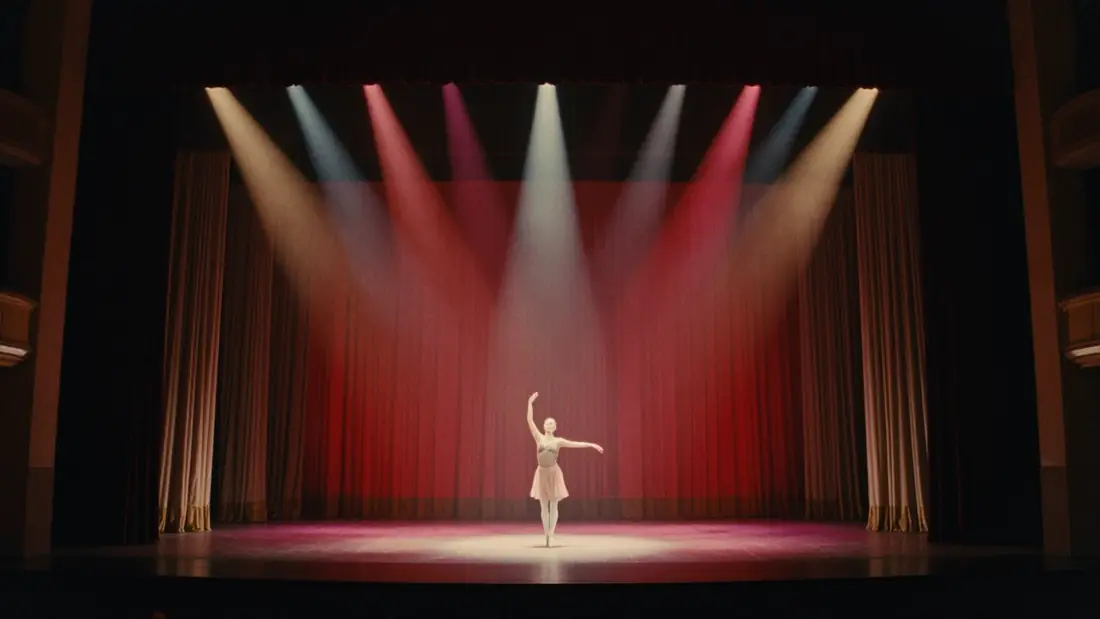
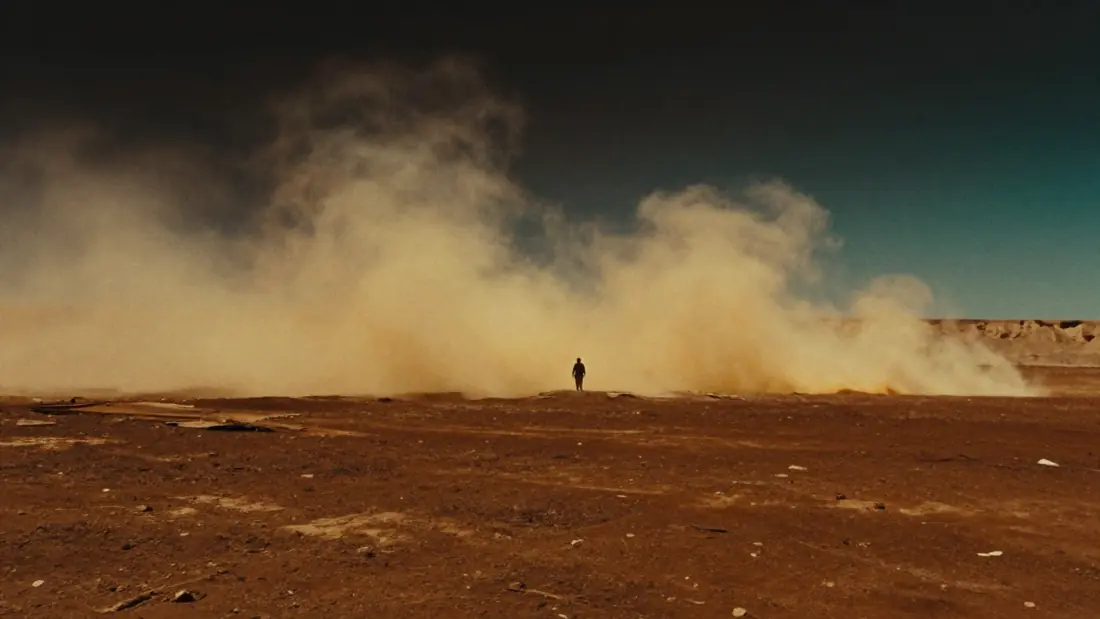
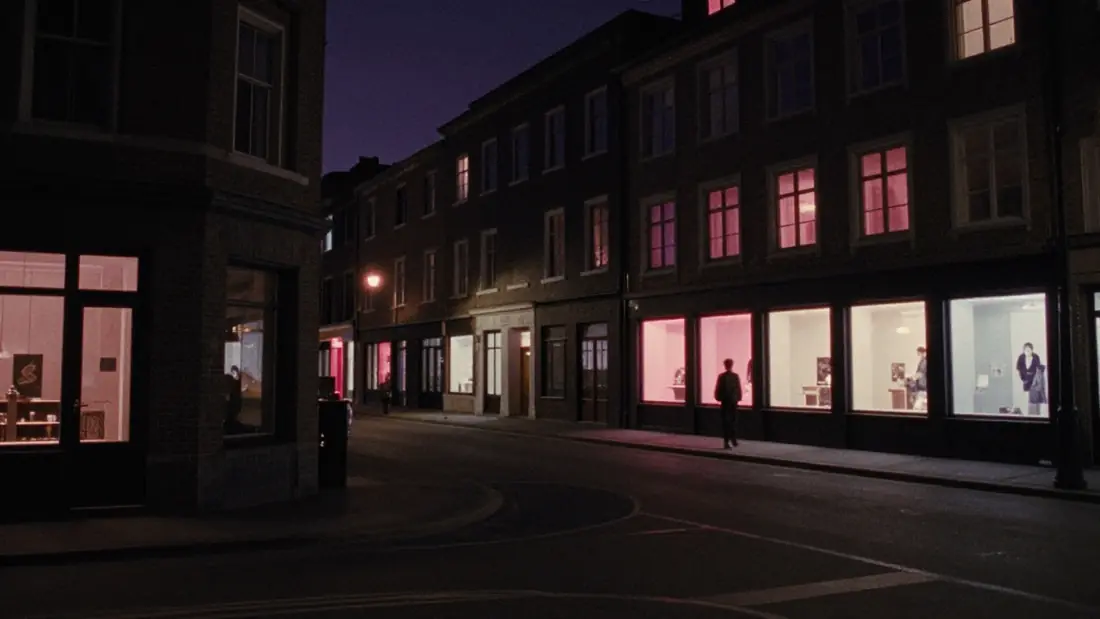
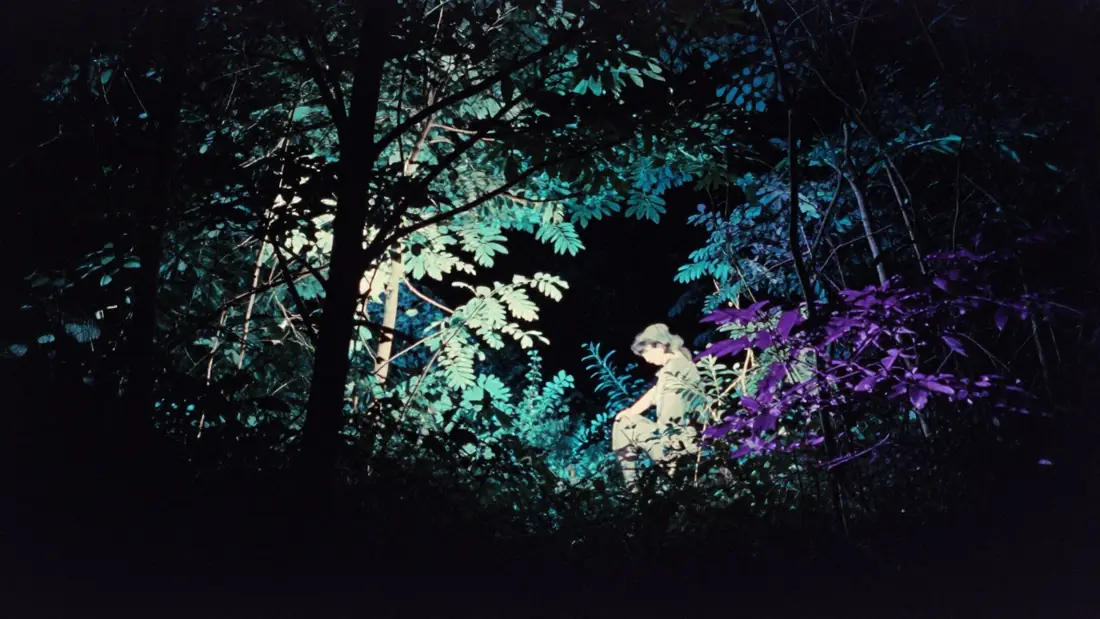
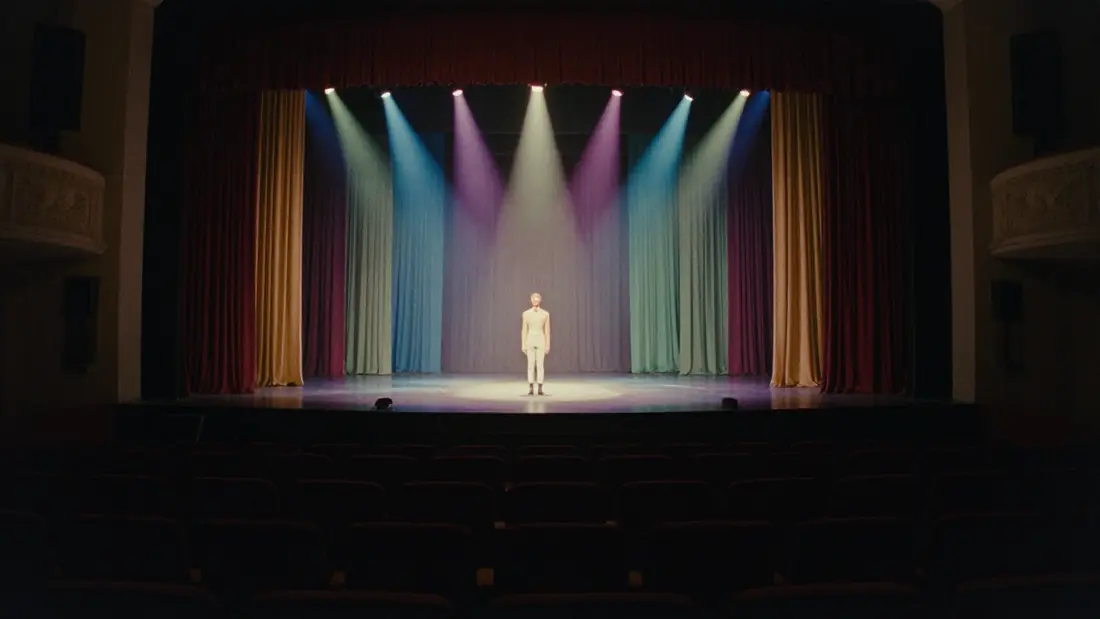
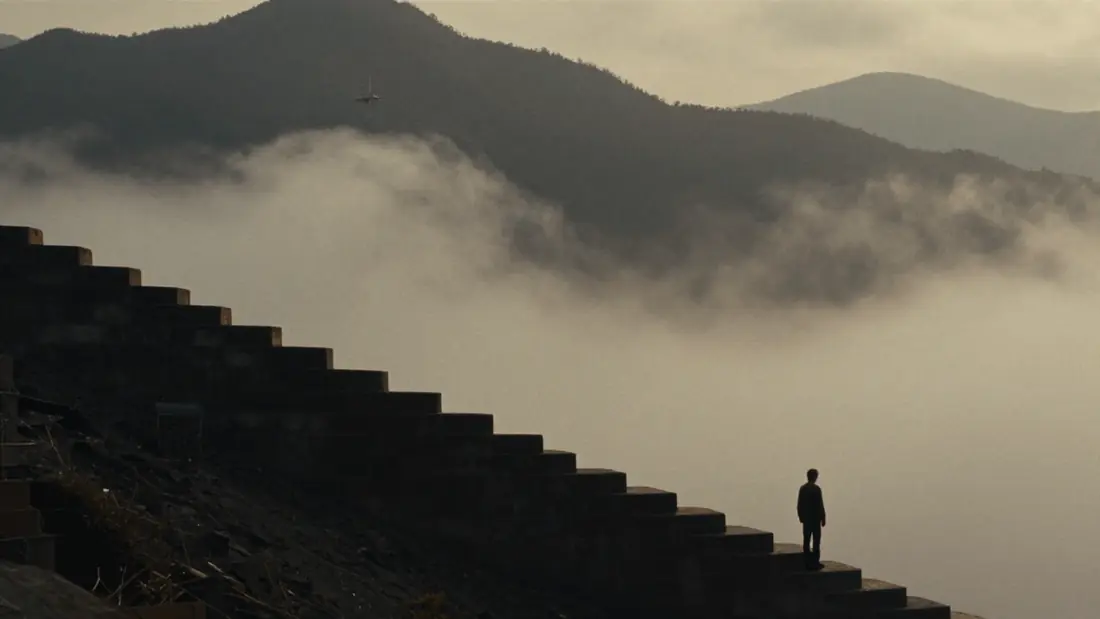
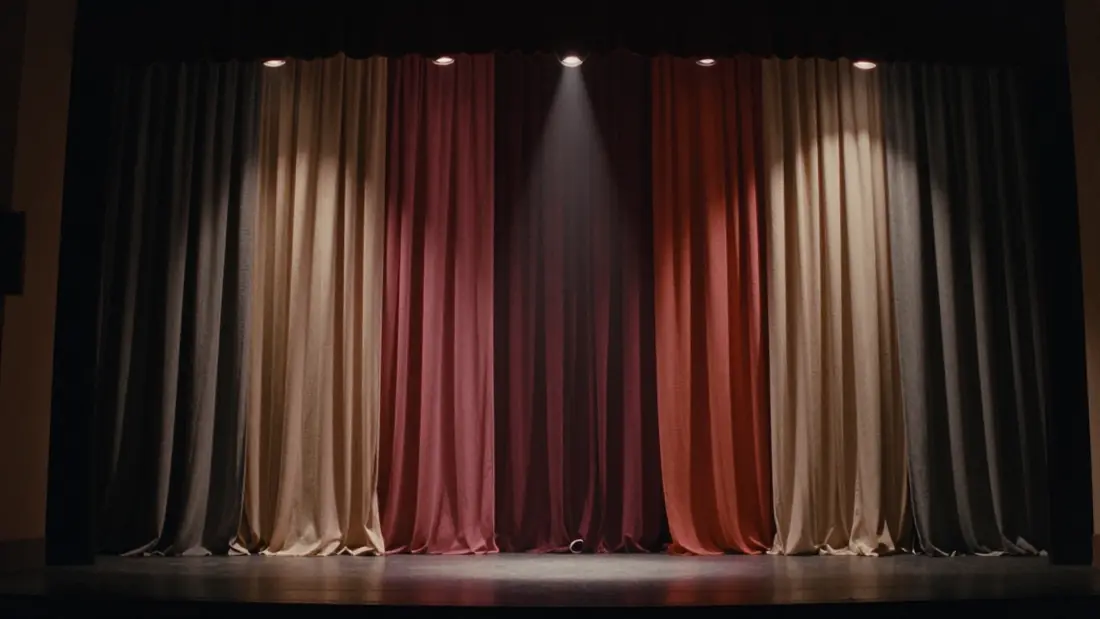
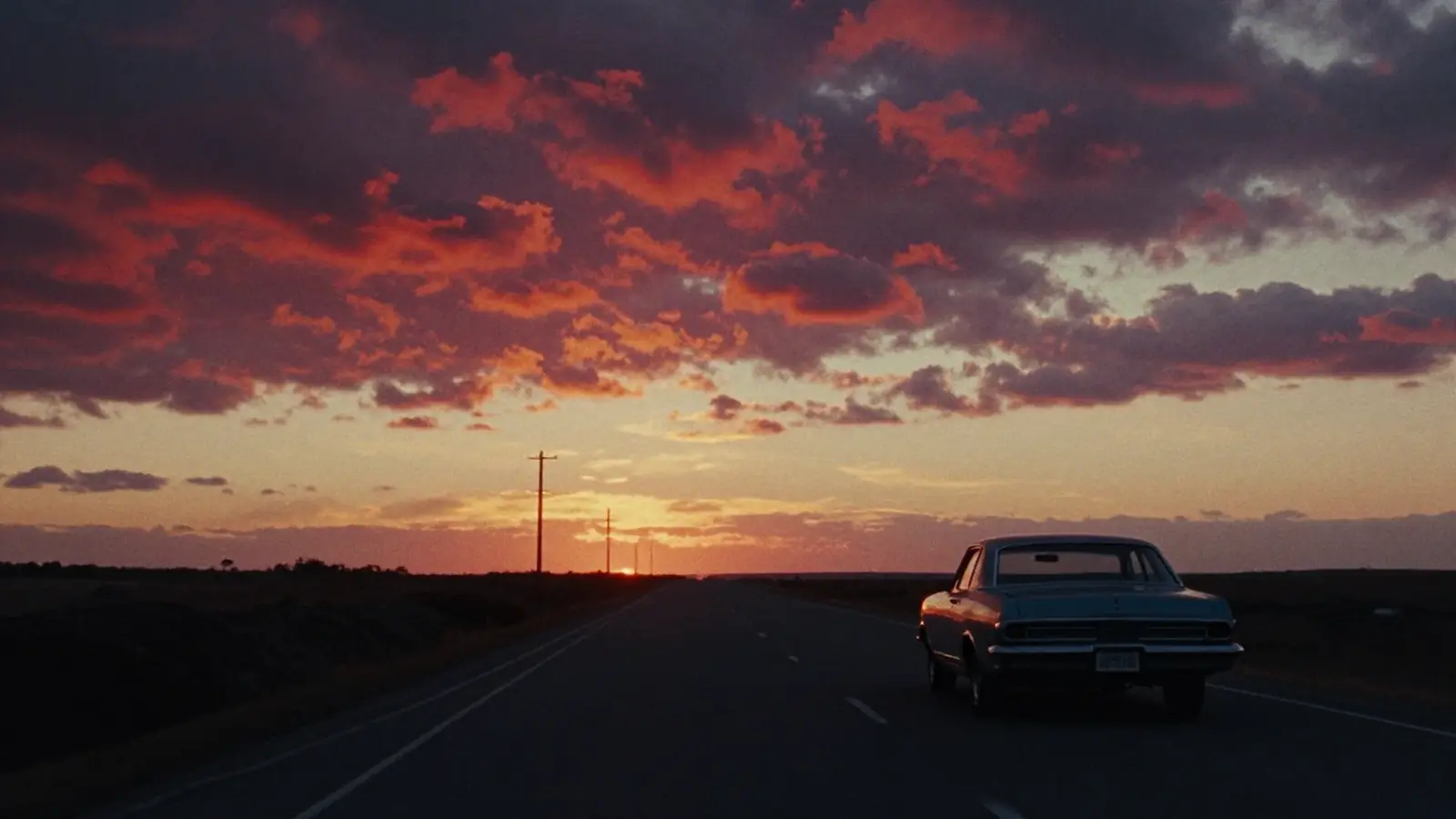
Eight of the 50 looks in the studio. Pick one tonight — every one is ready to shoot.
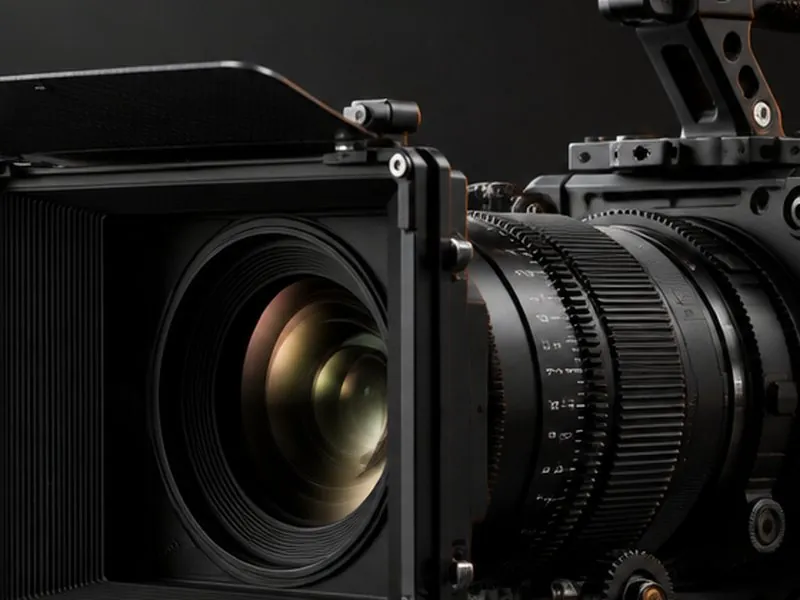
Pick the body.
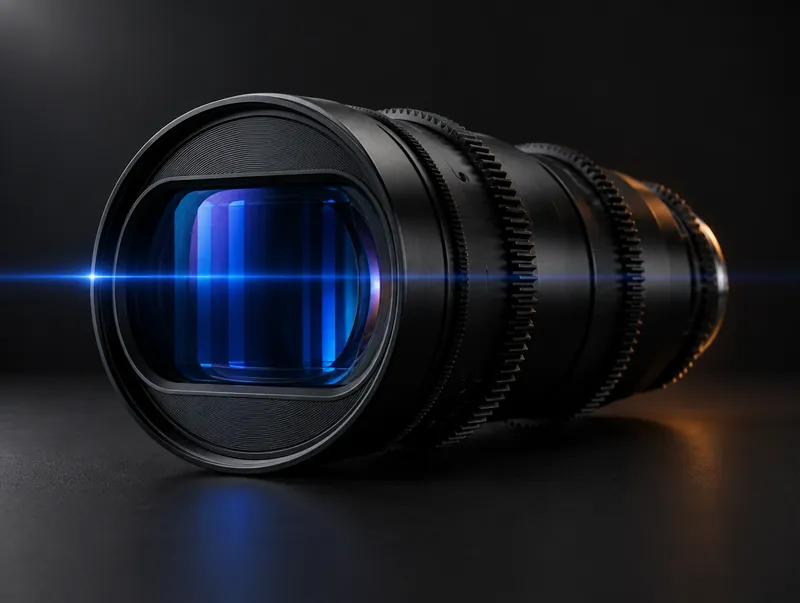
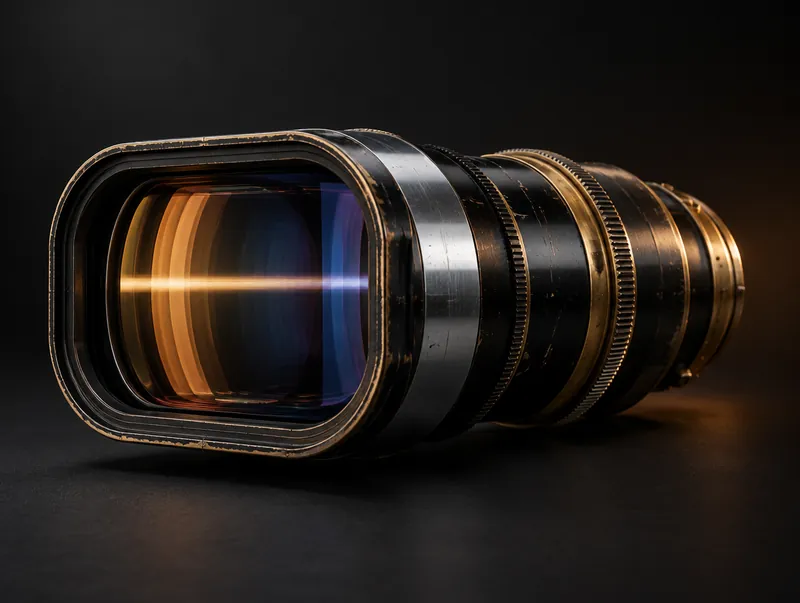
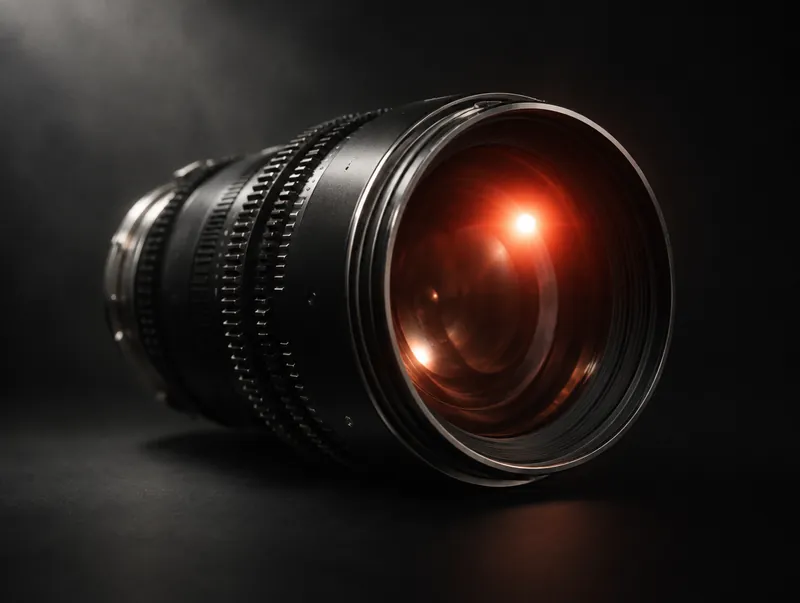
Choose the glass.
Set the stop.
These are AI visual controls: pick a camera style, a lens character and how much of the background stays in focus, and the studio shapes the generated picture to match. No physical camera involved — filmmakers will know the names, everyone else can go by the pictures.
Cameras
Camera style — the texture of the picture: digital clarity, film grain, home-movie warmth or tape-era grit.
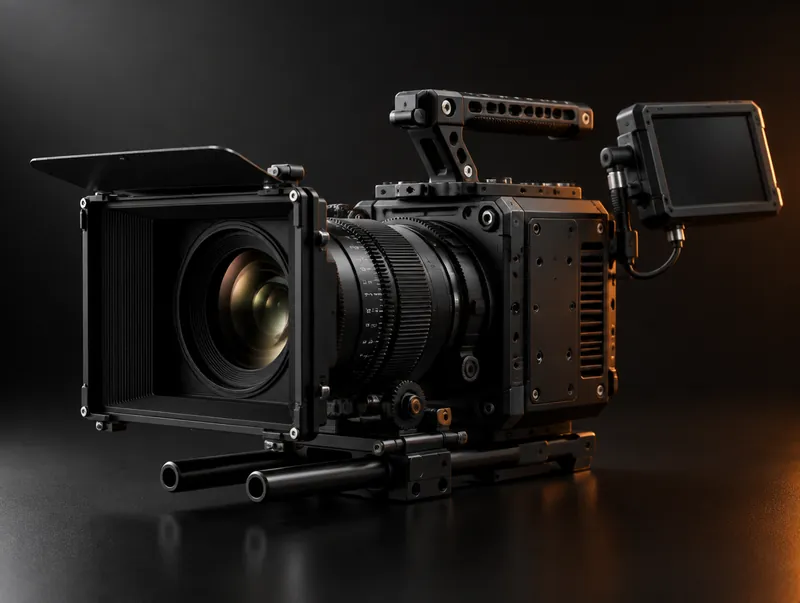
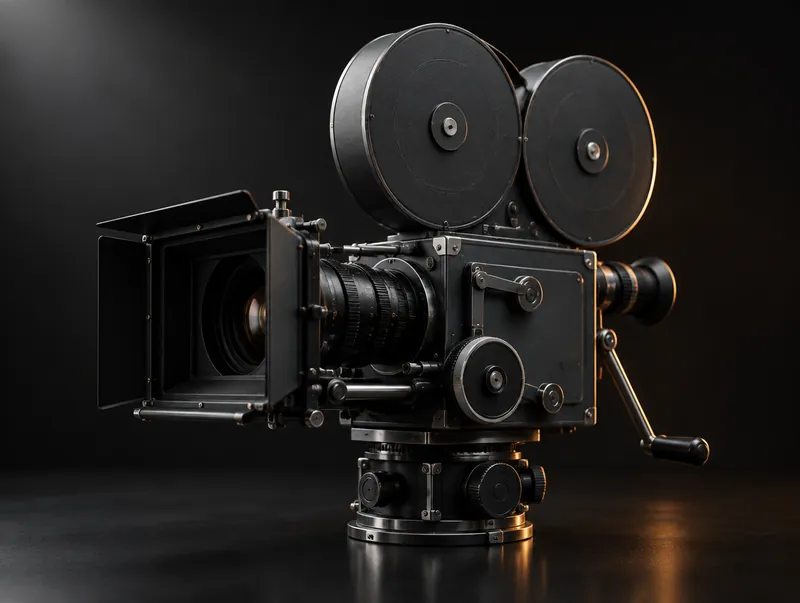
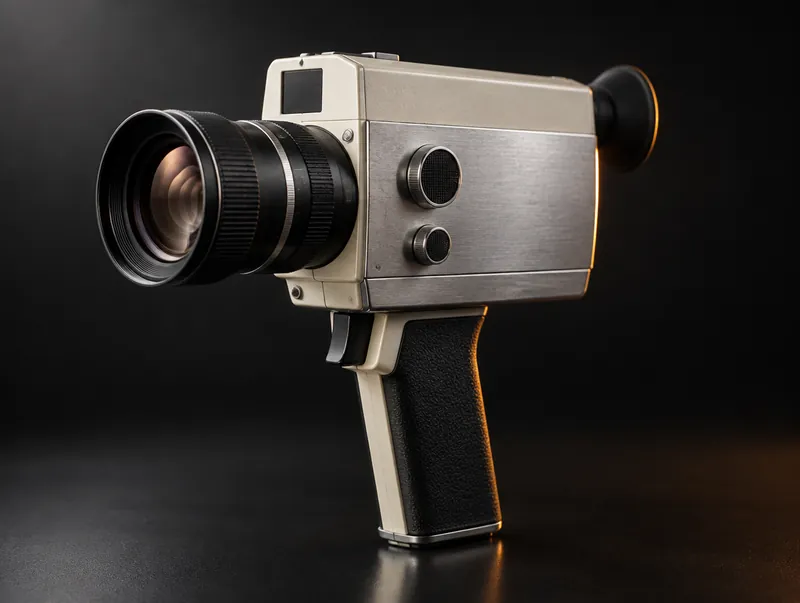
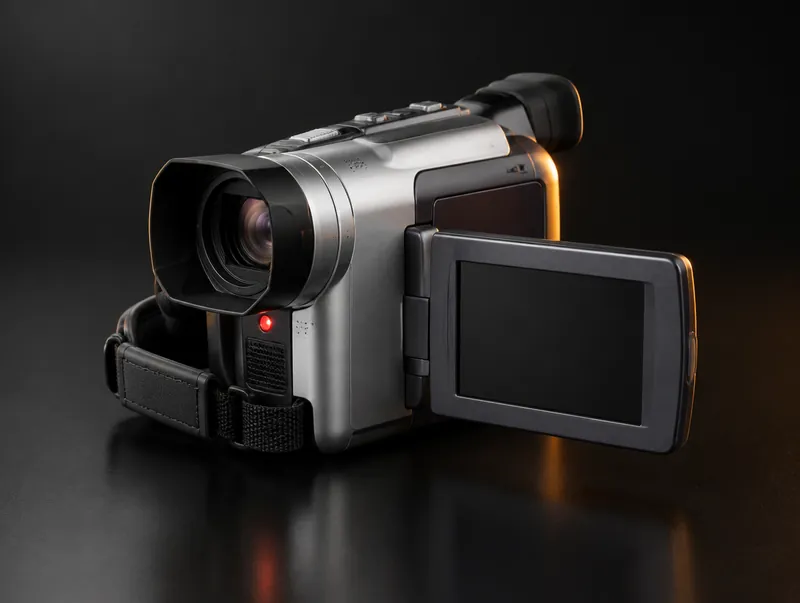
Lenses
Lens character — sharp, vintage or anamorphic: how light flares, how edges fall off, how faces glow.
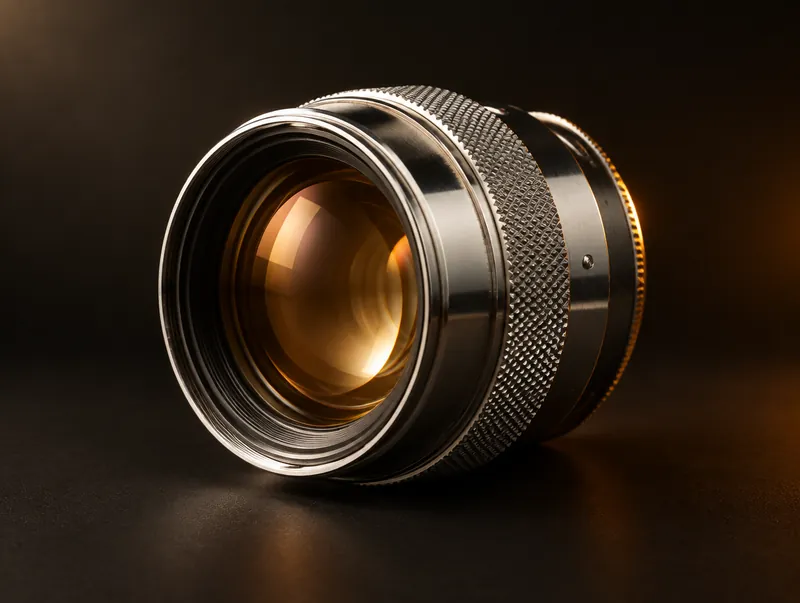
Aperture
Background focus — blurred, balanced or deep: how much of the world stays sharp around your artist.
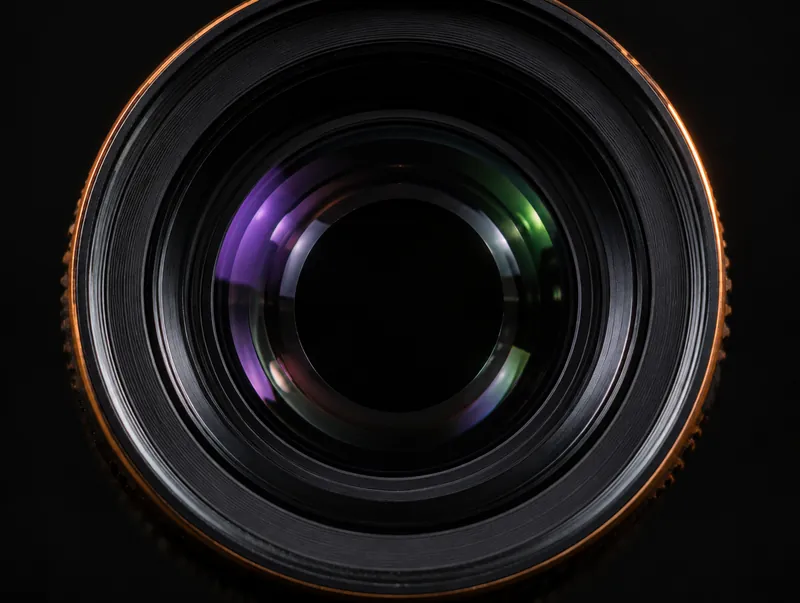
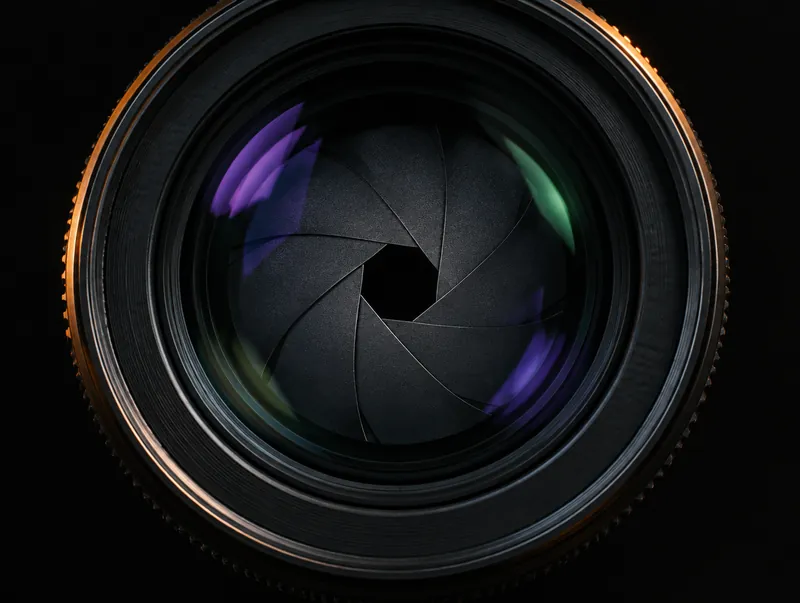
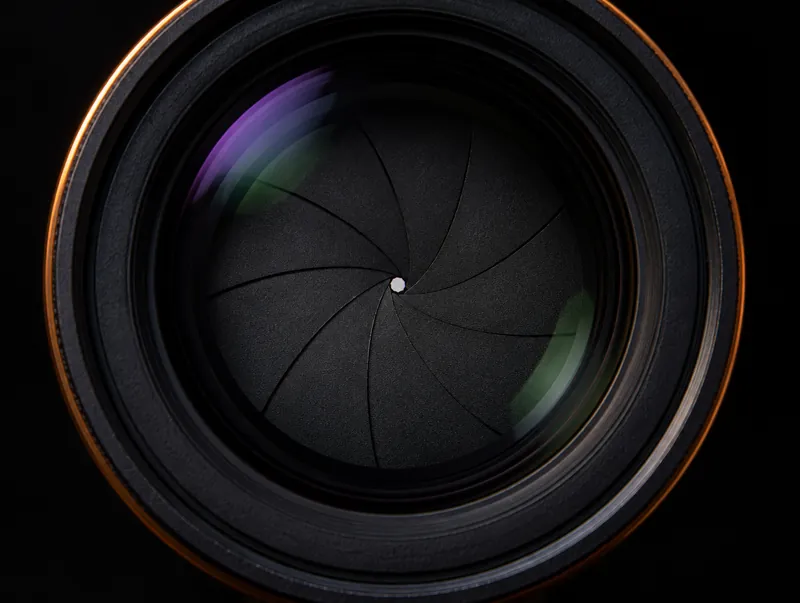
Build your first shot like a director of photography — camera, lens, focus, roll.
Gear shown is illustrative and unbranded — product shots generated in the studio.
From verse
to final cut.
Talk it through
Tell the director about your song, your city and your story. It turns your words into a shot list and sharpens every prompt.
Block the shot
Plan the scene in 3D: place your characters, set the camera move and preview the framing before you generate a single clip.
Shoot
Generate each scene of your video with Seedance 2.5, using the look, camera and lens you picked. Review every take and re-shoot only what you need.
Finish
Lip-sync to your track, swap faces with consent and upscale the keepers to 4K.
Step 01 starts with a conversation about your song.
A director
in the room.
Describe the feeling. The cinema director, powered by Claude, turns your idea into a structured shot list and detailed prompts, with guidance on framing, lighting, movement and timing. You review each take and refine from there.
Bring a verse, a feeling or a city — the director takes it from there.
Shot like a
documentary.
Lit like a film.
Not every story happens in a club at midnight. Period pieces, docu-style storytelling, short films and brand stories run on the same toolkit — real lens choices, light that comes from somewhere, and camera moves patient enough to let a scene breathe.
Salt on the deck, sun through the sails, a spyglass catching the horizon. No set, no crew, no ship — just direction.
Got a film, a story or a brand piece in mind? Let’s shoot it.
One product. Every format.
Voice, music and captions come built in. You choose the video model on every job — Seedance, Kling, Wan or Cinema Studio.
Pay for what
you shoot.
Credit packs, not subscriptions. Buy one when you’re ready to shoot — bigger packs come with bonus credits.
Test the looks and find your first shot.
- ≈ 24 images · Nano Banana Pro 2K
- or ≈ 1 × 10-second video scenes · 720p
A hook or a teaser for your single.
- ≈ 72 images · Nano Banana Pro 2K
- or ≈ 4 × 10-second video scenes · 720p
About half a song, one take per scene.
- ≈ 149 images · Nano Banana Pro 2K
- or ≈ 9 × 10-second video scenes · 720p
A 3-minute song at 720p, one take per scene.
- ≈ 320 images · Nano Banana Pro 2K
- or ≈ 20 × 10-second video scenes · 720p
The total is exactly what lands in your account, bonus included. Secure checkout by Stripe. Prices in USD.
What things cost
Live prices from the studio’s current settings. Every job shows its exact price before it runs.
A 3-minute video, worked out
18 scenes of 10 seconds at 720p, one take each, on the lower-cost Seedance 2.5 route: 1,674 credits. That fits in the Studio pack, with about 246 credits left for reference images or a few re-takes.
On the route that keeps faces from your photos, the same 18 scenes cost — credits.
Optional extras: lip-sync on all 3 minutes adds 972 credits, and 4K upscaling adds 576. Every extra take costs the same as the first.
Credits never expire. They’re taken when a job starts and come back automatically if it fails, is blocked by the provider’s content filter, or you cancel it. A finished result counts as used.
Every price and the rules: credits & refundsNot sure which pack fits? Start small and top up whenever you need more.
Have JP Studio
make it.
The same studio, run by a working music-video director. Tell us about the song or the product — no account needed. We scope the job with you and bill it by invoice.
Built by
an artist.
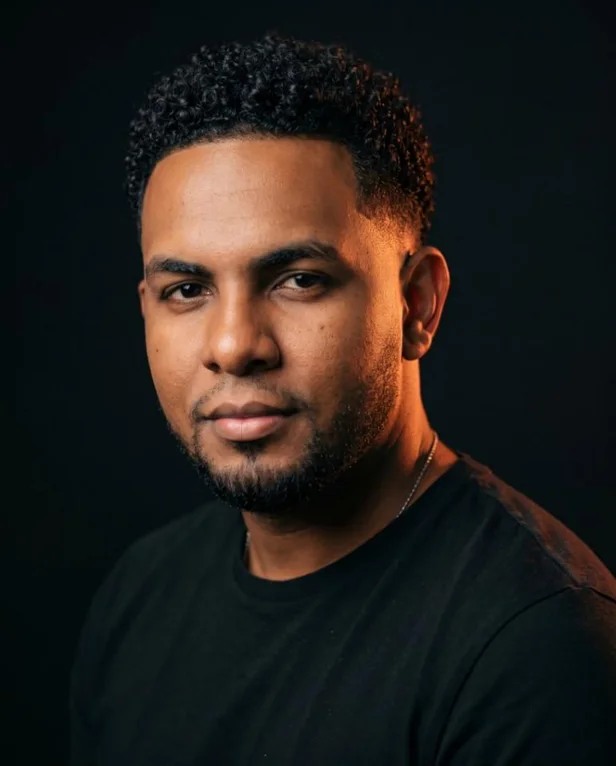
Since a young age, I was always drawn to cinema and graphic design — the way a frame, a colour and a cut can make you feel something before a single word is said.
That pull led me into music. I make Haitian Kreyòl, trap and Afro-swing records, and I direct the videos for them: building the characters, locking the looks and planning every scene shot by shot.
Not every independent artist has a crew, cameras and locations. So I built the studio I wanted for my own songs — the videos at the top of this page came out of it — and opened it to every artist who wants to direct their own video, or have us make it.
Questions,
answered.
What is JP Studio83x?
JP Studio83x is an AI music-video studio for independent artists. Upload your song and photos of the artist, pick one of 50 cinema looks, and build your music video scene by scene with models like Seedance 2.5, Kling and Wan. Then finish with lip-sync, face swap and 4K upscaling — or have JP Studio make the video for you.
What do I need to start?
Your song (or the part you want to shoot), a few clear photos of the artist, and an idea of the mood. Photos of outfits, locations and props help too. The AI director can turn a rough idea into a shot list.
How much does an AI music video cost?
There is no subscription, and credits never expire. You buy credits when you shoot, with packs from $9 to $99. Every job shows its price before it runs, and if a job fails, is blocked by the provider’s content filter, or you cancel it, the credits come back automatically. The pricing section shows live example costs and a 3-minute video worked out.
Can I use my own face and outfits?
Yes. Add photos of the artist and the outfits as references in the prompt. For faces, use the Seedance 2.5 option that keeps faces from your photos — the lower-cost option can replace real faces because of the model maker’s safety filter. Only use faces you have permission to use.
Will my character look the same in every scene?
Using the same reference photos and the same look in every scene keeps the artist and the world consistent. AI results still vary from take to take, so plan to re-shoot a few scenes.
Can I make a music video for a song in Haitian Kreyòl?
Yes. JP Studio83x was built for Kreyòl, trap and Afro-swing artists. The AI director understands your lyrics and directions in Kreyòl, English, French or Spanish, and lip-sync follows your vocal track. This website is in all four languages; the studio’s own screens are in English for now.
How long can my music video be?
As long as your song. You build it scene by scene — each Seedance 2.5 clip runs 4 to 30 seconds — and put the scenes together in your video editor. A 3-minute video at 720p, one take per scene on the lower-cost option, fits in the Studio pack.
Will the artist lip-sync to my track?
Yes. The lip-sync tool matches the artist’s mouth to your vocals, shot by shot, so performance scenes look like the artist is really singing. It is a separate job with its own price.
Can I download each clip, vertical or horizontal?
Yes. Every finished clip has its own download button. Pick 16:9 for YouTube or 9:16 for Reels, TikTok and Shorts (1:1, 4:3, 3:4 and 21:9 too) before you generate. Files are removed from our servers after a set number of days, so download what you want to keep.
What if I don’t like a finished result?
A finished result counts as used. Another take is a new job, with its price shown before it runs. Only jobs that fail, are blocked by the provider’s content filter, or that you cancel give their credits back automatically.
Do the AI director and scene planner cost credits?
Yes, a small flat amount per answer — the exact amounts are on the Credits & refunds page. If the AI call fails, the credits come back.
Do I need a camera crew or editing skills?
No camera crew. Describe the scene, or talk it through with the AI director: it writes the shot list and the prompts, and you pick the takes you like. You’ll put the final scenes together in a simple video editor.
Can brands and labels use it for ads?
Yes. Studio Room turns a product link or a few photos into UGC videos, unboxings, try-ons, product-motion clips and image ads. For bigger jobs, JP Studio can make it for you — request a quote, no account needed.
Your next video
starts tonight.
Make it yourself in the studio, or tell us about your song and we’ll make it for you.